

Chapter 6 — The Keys to the Kingdom
An attacker would rather log in than break in.
Last chapter ended on a promise: one thing was still unsecured, and it is the thing every attacker in this book would rather have than anything else. Here it is. Your keys.
The principle
Every account you own has a lock. The key to that lock is your proof that you are you. Get your keys right, and you close off the single most common way anyone gets into anything.
The parallel — keys, not battering rams
In any domain, the dramatic breach — the wall blown open, the door kicked in — is rare. It is loud, it is hard, and it is mostly the movies. The real way into a defended place, nine times out of ten, is quieter: a key that was copied, a door left unlocked, a guard handed the right-looking paperwork.
The digital world is no different. Picture the hooded “hacker,” furiously typing, smashing through a firewall. Now throw that picture away. The overwhelming majority of the time, an attacker does not break into your account. He logs in. He has the key — and the front door cannot tell the difference.
So this chapter is your keys. Three things to understand, one short drill — and then your stuff, all of it, is as locked down as a civilian’s stuff can reasonably be.
One: the key, and the mistake almost everyone makes
Your password is a key. The mistake — and well over half of all people make it — is using the same key for every door. The same password, or a couple of close cousins, on the email, the bank, the shopping site, the school portal.
Here is why that is the whole ballgame. Keys get copied constantly. Companies get breached; passwords leak by the billions. It is not a question of if one of your keys ends up on a list somewhere — it is when. And if every door takes the same key, then the day one copy leaks, every door you own opens at once.
The fix is simple to say: a different key for every door. It is also impossible to do from memory — nobody holds a hundred strong keys in their head. So you do not. You use a password manager — think of it as one well-built keyring. It creates and remembers a unique, strong key for every door. You remember exactly one thing: the key to the keyring.
Two: the second lock
Even a perfect keyring has a gap — a key can still be copied, or tricked out of you. So the doors that matter get a second lock, one that does not use a key at all.
You have seen it. After your password, a site asks for a code, or a tap on your phone, or your fingerprint. That is the second lock, and its formal name is two-factor authentication. The idea is old and sound: to get in you need something you know (the password) and something you have (your phone, your fingerprint). A copied key alone is no longer enough.
How well does it work? Microsoft — which watches account attacks at a scale almost nobody else can — has found that simply switching on this second lock blocks well over 99 percent of the automated attacks that try to break into accounts. That is not marketing. It is the single highest-return action in this chapter.
One honest caveat, because you get the truth here. The second lock is not magic. A patient attacker can still try to trick the code out of you in real time, and a code sent by text can, in rare targeted cases, be stolen. So where a site offers it, the strongest second lock is a passkey or a small physical security key — those cannot be phished. But hear the main thing clearly: any second lock beats no second lock, overwhelmingly. Turn it on. Start with your email — because your email is the master key. It is the door every other key gets mailed back to the moment someone clicks “forgot password.”
Three: the one attack aimed straight at your keys
One attack is worth naming because it goes around the second lock: the SIM swap. Your phone number is not as nailed-down as it feels. An attacker who has learned enough about you can call your phone carrier, impersonate you, and have your number moved onto their phone. Now the text-message codes — your second lock — ring on their device.
Keep it in proportion, the way this book always does. SIM swaps are low-volume — the FBI logged on the order of a thousand in a year, not millions. But they are high-impact, aimed deliberately at people with something big to lose. The defense is two quiet moves: add a PIN or passcode to your account with your phone carrier, so no one can move your number without it; and wherever you can, use an app or a passkey for your second lock instead of text-message codes.
What’s true — and what nobody can honestly tell you
You may have heard someone put a tidy number on this: “good password habits remove eighty percent of your risk.” Be skeptical of that number — I have looked, and nobody can actually source it. Here is what can be said honestly, and it is enough: credentials — keys — are the single most common way attackers get into accounts. A clear majority of break-ins start there. Which means the keyring and the second lock are not one chapter among many. They are the lock on the most-used door in the whole book.
Make it actionable
DRILL — THE KEYRING
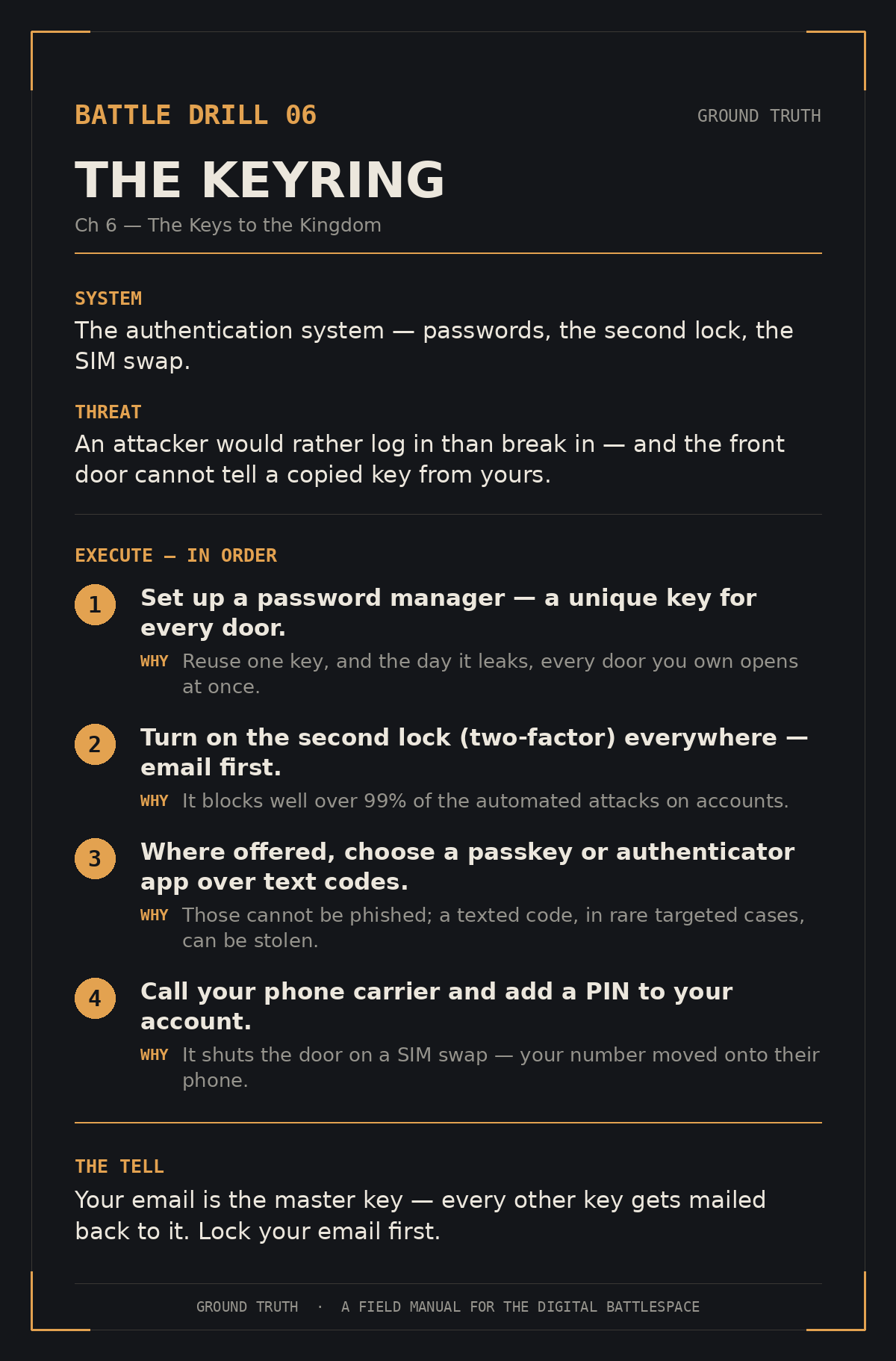
Set up a password manager. Let it create a unique key for every account — start with the ones that matter: email, bank.
Turn on the second lock (two-factor authentication) everywhere it is offered. Do your email first.
Where a site offers a passkey or an authenticator app, choose that over text-message codes.
Call your phone carrier and add a PIN/passcode to your account, to shut the door on a SIM swap.
Where this goes
That closes Part Two. Your supply line, your device, your pipe, your keys — the things that are yours — are now locked down better than most people in the country will ever bother to manage.
But every threat so far has come at you from the outside — someone else, trying to get in. Part Three is stranger, and for a lot of people it is harder to accept. The next set of threats does not come at your device from outside.
It comes from your device. By design. Working exactly as it was built to.